
What Are Skills?
Understanding AI agent skills and how they supercharge your Salesforce development workflow
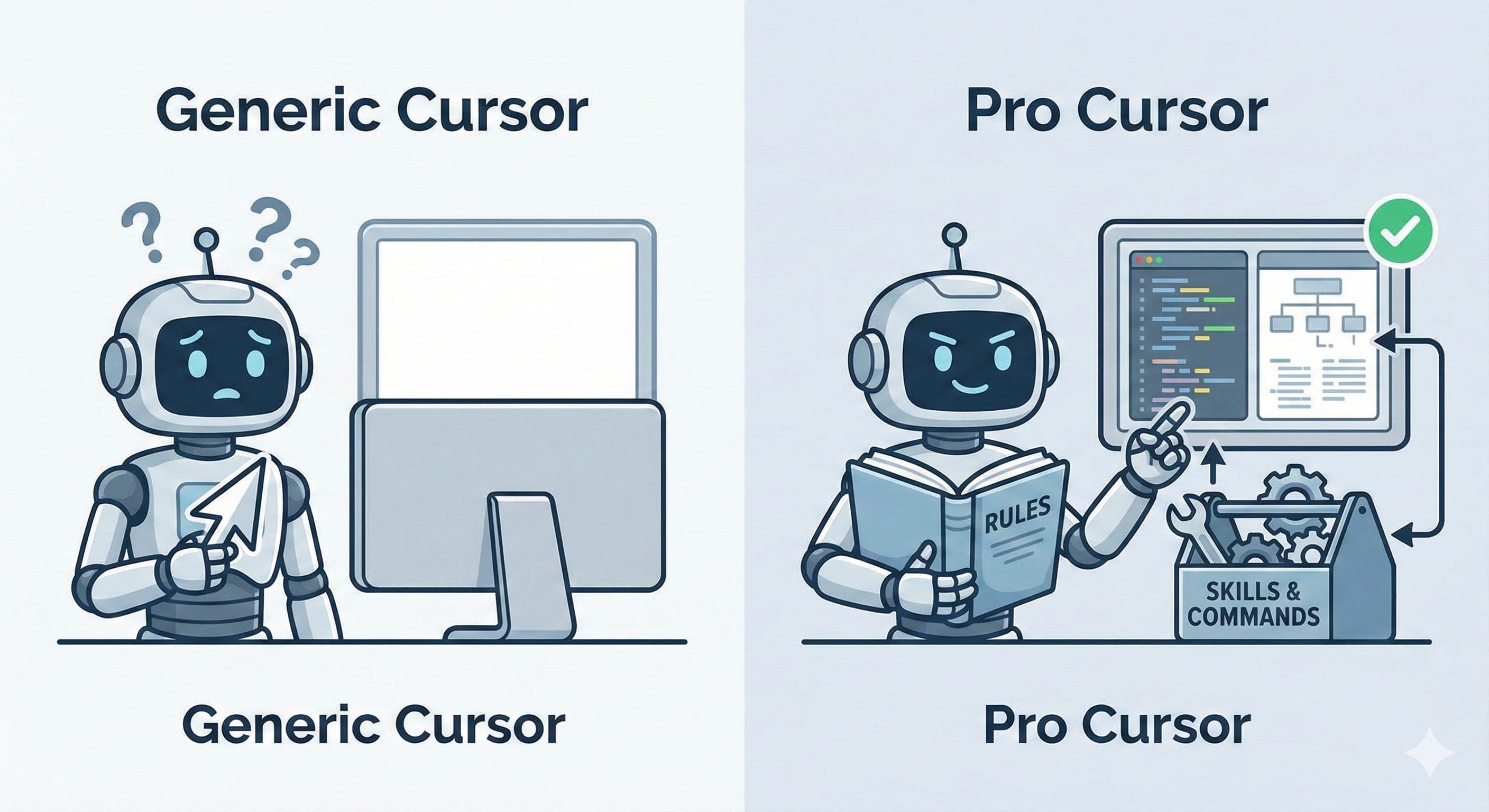
Skills are reusable instruction sets that teach AI coding agents how to perform specialized tasks. Think of them as expert playbooks. Instead of giving your AI assistant the same detailed instructions every time you want to write an Apex class or build a Flow, a skill encodes that expertise once and makes it available on demand.
The Problem Skills Solve
Without skills, every conversation with your AI agent starts from scratch. You might ask Cursor to "write an Apex trigger for Account" and get something that works, but it probably won't follow Salesforce best practices like bulkification patterns, proper trigger frameworks, or governor limit awareness unless you spell all of that out in your prompt.
Skills solve this by giving the AI agent deep, pre-written context about a specific domain. When a skill is active, the AI already knows the best practices, the scoring rubrics, the validation rules, and the patterns that matter, so you can focus on what you want to build instead of how to build it correctly.
A Simple Analogy
If Cursor is the developer, skills are like hiring a specialist. Without skills, you have a talented generalist. With skills, you have a Salesforce CTA sitting next to you who knows every best practice by heart.
What's Inside a Skill?
At its core, a skill is a SKILL.md file, a structured markdown document that contains:
- A name and description: the
descriptionin the frontmatter is how the agent decides when the skill is relevant to your request - Domain knowledge: best practices, patterns, anti-patterns, and architectural guidance
- Validation criteria: scoring rubrics that grade the quality of generated code
- Examples: sample inputs and outputs so the AI knows what "good" looks like
Skills can also include additional folders alongside the SKILL.md:
~/.cursor/skills/
|-- sf-apex/
|   |-- SKILL.md          # Apex best practices, trigger patterns, scoring
|   |-- scripts/           # Optional automation scripts
|   +-- references/        # Optional reference docs
|-- sf-lwc/
|   +-- SKILL.md           # LWC component patterns, SLDS, Jest testing
|-- sf-flow/
|   +-- SKILL.md           # Flow design patterns, error handling
+-- sf-soql/
    +-- SKILL.md           # Query optimization, relationship queries
How Skills Activate
Skills can activate in two ways:
Automatic (Agent Decides)
When you send a message, the agent reads the description field from each available skill and decides which ones are relevant based on your request and current context. If you ask "write an Apex trigger for Account," the agent recognizes that the sf-apex skill is relevant and loads it into the conversation. This happens behind the scenes, and you don't need to do anything.
Manual (Slash Commands)
You can also invoke a skill directly using the slash command menu in Cursor's chat. Type / followed by the skill name to force-load it into the conversation, regardless of whether the agent would have selected it automatically.
Skills Are Additive
Skills don't replace your own instructions or rules. They layer on top. Your project-specific rules still apply, and skills add specialized domain expertise on top of that foundation.
Where Skills Live
Cursor discovers skills from two locations:
- Project-level (
.cursor/skills/): team-specific skills that live inside your repository and are version-controlled with your code. Every team member who clones the repo gets these automatically. - User-level (
~/.cursor/skills/): personal or global skills that apply across all your projects. Good for cross-cutting knowledge like Salesforce patterns that you use everywhere.
You can view all discovered skills in Cursor Settings (Cmd+Shift+J on Mac, Ctrl+Shift+J on Windows) under the Rules section. Skills appear in the Agent Decides category, meaning the agent chooses when to apply them based on context.
Why Skills Matter for Salesforce
Salesforce development has a uniquely high surface area. Between Apex, Flows, LWC, SOQL, metadata XML, Agentforce agents, Data Cloud, and OmniStudio, no single developer (or AI) can hold all the best practices in their head at once.
Consistent Quality
Every Apex class follows the same patterns. Every Flow has proper error handling. Every LWC passes accessibility checks. Skills enforce consistency across your entire codebase.
Built-in Validation
Skills don't just generate code. They score it. An Apex skill might grade your trigger handler on a 90-point rubric covering testing, architecture, clean code, error handling, and performance.
Deep Expertise
Skills encode the kind of knowledge that takes years to accumulate: governor limit patterns, SLDS compliance, trigger framework conventions, bulk testing strategies, and more.
Always Up to Date
Community-maintained skills evolve with the platform. When Salesforce releases a new API version or deprecates a pattern, the skill gets updated and your AI agent automatically follows suit.
Skills vs. Rules vs. Prompts
You might be wondering how skills compare to other ways of guiding your AI agent:
| Skills | Rules (.cursorrules) | Prompts | |
|---|---|---|---|
| Scope | Domain-specific expertise | Project-wide conventions | Single conversation |
| Persistence | Always available | Always available | One-time use |
| Detail | Deep (hundreds of patterns and rubrics) | Light (high-level guidance) | Varies |
| Activation | Agent decides based on context | Always loaded | Manual |
| Best for | Dynamic "how-to" knowledge and procedural instructions | Declarative, always-on conventions | One-off requests |
| Reusability | Shared across projects | Per-project | Copy/paste |
The best setup uses all three together: skills for deep domain expertise, rules for your project's specific conventions, and prompts for one-off requests.
The Skill Ecosystem
Skills aren't a Cursor-only concept. They follow an open standard called Agent Skills that works across multiple AI coding tools:
- Cursor: skills loaded from
.cursor/skills/(project) and~/.cursor/skills/(global) - Claude Code: skills loaded from
~/.claude/skills/ - Codex, Gemini CLI, OpenCode, Amp: all compatible via
npx skills add
This means a skill written once can be used by any developer, regardless of which AI coding tool they prefer.
What's Next?
Now that you understand what skills are and why they matter, let's get them set up in your environment: