
Lights, Camera, Action!
Actions define executable tasks that an agent can perform, including Flows, Apex classes, or Prompt Templates
Actions
Actions define executable tasks that an agent can perform. Actions can call Flows, Apex classes, or Prompt Templates. You define actions in a subagent's actions block and can invoke them deterministically or expose them as tools for the LLM.
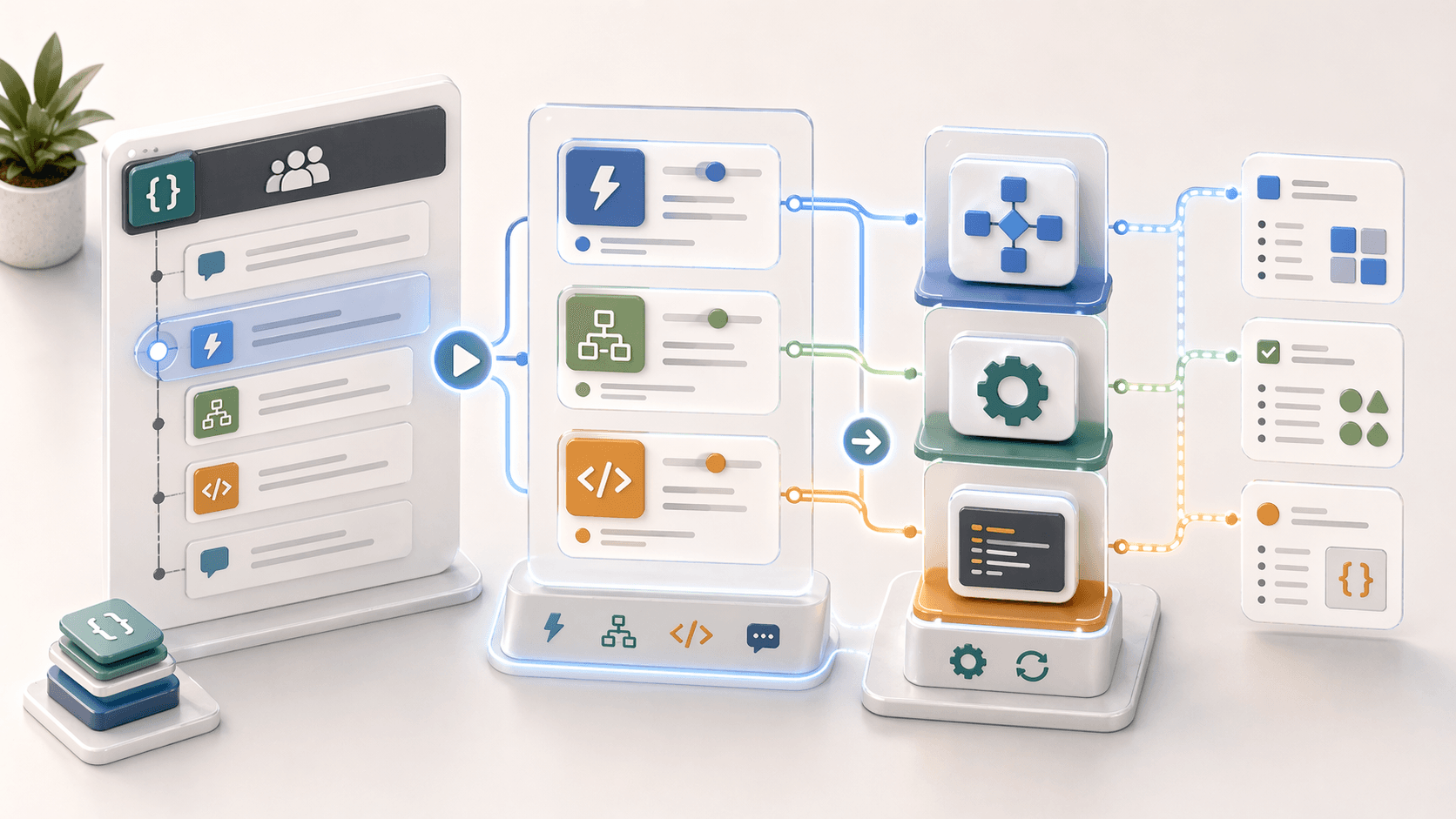
Actions Overview
Actions can be invoked in two ways:
| Method | Determinism | Where Defined | When It Runs |
|---|---|---|---|
| Explicit call | Deterministic | reasoning.instructions | Every time the subagent runs |
| As a tool | Non-deterministic | reasoning.actions | When LLM decides based on context |
Action Definition
Complete Example
subagent order_tracking:
  actions:
    get_tracking_updates:
      description: "Retrieves tracking information for an order"
      inputs:
        tracking_number:
          type: string
          required: True
          description: "The order tracking number"
      target: flow://GetTrackingUpdates
      outputs:
        current_location:
          type: string
          description: "Current package location"
        delivery_date:
          type: date
          description: "Estimated delivery date"
      label: "Get Tracking Updates"
      include_in_progress_indicator: True
      require_user_confirmation: False
Action Properties
| Property | Required | Description |
|---|---|---|
[action name] | ✅ | Identifier for the action (use snake_case) |
description | ❌ | Description for LLM to decide when to call it |
inputs | ❌ | Input parameters and their types |
target | ✅ | Reference to executable (apex, flow, or prompt) |
outputs | ❌ | Output parameters and their properties |
label | ❌ | Human-readable name (auto-generated from name if not specified) |
include_in_progress_indicator | ❌ | Show progress indicator when running (True/False) |
require_user_confirmation | ❌ | Require customer confirmation before running |
Target Types
Actions can target three types of executables:
| Type | Format | Example |
|---|---|---|
| Flow | flow://Developer_Name | target: flow://Get_Order_Status |
| Apex | apex://Class_Name | target: apex://OrderService |
| Prompt Template | prompt://Template_Name | target: prompt://Customer_Greeting |
actions:
  # Flow target
  get_order_status:
    target: flow://Get_Order_Status_Flow

  # Apex target
  process_payment:
    target: apex://PaymentProcessor

  # Prompt target
  generate_response:
    target: prompt://Customer_Response_Template
Input Parameters
Define what data the action needs to execute.
actions:
  create_case:
    inputs:
      customer_id:
        type: id
        required: True
        description: "Salesforce ID of the customer"
      issue_description:
        type: string
        required: True
        description: "Description of the customer's issue"
      priority:
        type: string
        required: False
        description: "Case priority level"
    target: flow://Create_Support_Case
Supported Parameter Types
| Type | Description | Example |
|---|---|---|
string | Text values | "Hello World" |
number | Floating point numbers | 99.99 |
integer | Integer values | 42 |
long | Long integer values | 9223372036854775807 |
boolean | True/False | True |
object | Complex JSON objects | {"key": "value"} |
date | Date (YYYY-MM-DD) | 2025-01-15 |
datetime | DateTime values | 2025-01-15T10:30:00Z |
time | Time values | 10:30:00 |
currency | Currency values | 100.00 |
id | Salesforce ID | "0015000000XyZ12" |
list[<type>] | List of any type | list[string], list[number] |
Output Parameters
Define what data the action returns. By default, the agent remembers output information for the entire session.
actions:
  get_customer_info:
    target: flow://Get_Customer_Details
    outputs:
      customer_name:
        type: string
        description: "Full name of the customer"
        developer_name: "customerName"
      account_balance:
        type: currency
        description: "Current account balance"
        filter_from_agent: True  # Hide from agent context
      customer_data:
        type: object
        complex_data_type_name: "lightning__recordInfoType"
Output Properties
| Property | Required | Description |
|---|---|---|
type | ✅ | Data type of the output |
description | ❌ | Description (auto-generated from name if not specified) |
developer_name | ❌ | Override the parameter's developer name |
label | ❌ | Human-readable label (auto-generated if not specified) |
filter_from_agent | ❌ | If True, output is hidden from agent context |
complex_data_type_name | ✅* | Required for object type; specifies the type returned |
Hiding Sensitive Data
Use filter_from_agent: True to exclude sensitive outputs (like SSN or internal IDs) from the agent's context while still making them available for processing.
Using Actions
Method 1: Deterministic Execution
Use run @actions.<action_name> in reasoning instructions to always run the action.
subagent verification:
  actions:
    send_verification_code:
      target: flow://Send_Verification_Email
      inputs:
        email:
          type: string
          required: True

  reasoning:
    instructions:
      if @variables.email_address is not None:
        -> run @actions.send_verification_code
        | I've sent a verification code to your email. Please enter it to continue.
Method 2: Reference in Prompt (LLM Decides)
Use {!@actions.<action_name>} in prompt text for the LLM to decide whether to run it.
reasoning:
  instructions: |
    Help the customer with their order.
    If they need tracking information, use {!@actions.get_tracking}.
Method 3: Expose as Tool
Define the action as a tool in reasoning.actions for the LLM to call when appropriate.
reasoning:
  instructions: |
    Help the customer track their order.
    Ask for the tracking number if needed.
  actions:
    - get_tracking_tool:
        description: "Get tracking info when customer provides tracking number"
        @actions.get_tracking_updates
        with:
          tracking_number: ...
        set:
          @variables.current_location: current_location
          @variables.delivery_date: delivery_date
Complete Example
subagent email_verification:
  description: "Verifies customer email address"

  actions:
    send_verification_code_action:
      description: "Sends a verification code to the customer's email"
      inputs:
        email:
          type: string
          required: True
      target: flow://Send_Verification_Code
      outputs:
        code_sent:
          type: boolean
        expiration_time:
          type: datetime

  reasoning:
    instructions:
      # Deterministically send code when email is available
      if @variables.customer_email is not None:
        -> run @actions.send_verification_code_action
        | I've sent a verification code to {!@variables.customer_email}.
        | Please enter the code to verify your email address.
        | If you didn't receive it, let me know and I can resend it.

    actions:
      # Also expose as tool so LLM can resend if needed
      - resend_code_tool:
          description: "Resend verification code if customer didn't receive it"
          @actions.send_verification_code_action
          with:
            email: @variables.customer_email
A More Salesforce-Flavored Action Bundle
This example is closer to what production Agent Script feels like in Salesforce: multiple actions, typed outputs, and a subagent that mixes deterministic execution with selective tool exposure.
subagent field_dispatch:
  description: "Creates or updates a field service dispatch plan"

  actions:
    get_work_order:
      description: "Load the work order and current status"
      inputs:
        work_order_id:
          type: id
          required: True
      target: flow://Get_Work_Order_Details
      outputs:
        account_name:
          type: string
        status:
          type: string
        service_territory:
          type: string

    get_technician_availability:
      description: "Returns available technicians and windows"
      inputs:
        service_territory:
          type: string
          required: True
      target: apex://TechnicianAvailabilityService
      outputs:
        available_slots:
          type: list[datetime]

    generate_dispatch_summary:
      description: "Summarize the dispatch plan for the customer"
      inputs:
        account_name:
          type: string
          required: True
        appointment_time:
          type: datetime
          required: True
      target: prompt://Dispatch_Summary_Template
      outputs:
        summary_text:
          type: string

  reasoning:
    instructions:
      -> run @actions.get_work_order
      -> run @actions.get_technician_availability
      |
      Help the customer confirm the best appointment window.
      Once they choose a slot, summarize the dispatch plan in plain language.

    actions:
      - dispatch_summary_tool:
          description: "Generate a polished dispatch summary after the customer picks a slot"
          @actions.generate_dispatch_summary
          with:
            account_name: @actions.get_work_order.outputs.account_name
            appointment_time: ...
Action Naming Rules
Action names must follow Salesforce developer name standards:
- Begin with a letter (not underscore)
- Alphanumeric characters and underscores only
- Cannot end with underscore
- No consecutive underscores (
__) - Maximum 80 characters
- Recommended: Use
snake_case
2. Understanding Variables
Variables let agents deterministically remember information across conversation turns, track progress, and maintain context throughout the session
4. What About Tools?
Tools (Reasoning Actions) are executable functions that the LLM can choose to call based on the tool's description and current context