
Agentic Reasoning
Reasoning Instructions are the core of a subagent's behavior, containing logic and prompts that guide the LLM
Reasoning Instructions
Reasoning Instructions are the core of a subagent's behavior. They contain logic and prompts that Agentforce resolves into instructions for the LLM. The resolved prompt tells the LLM how to perform the subagent's purpose.
Best Practice
Shorter reasoning instructions generally produce more accurate and reliable results.
Two Types of Instructions
Reasoning instructions combine two types:
| Type | Purpose | Determinism |
|---|---|---|
| Logic Instructions | Run actions, set variables, evaluate conditions | Deterministic |
| Prompt Instructions | Natural language guidance for the LLM | Non-deterministic |
Logic Instructions
Logic instructions are deterministic commands that always execute when their conditions are met.
Running Actions
reasoning:
  instructions:
    -> run @actions.get_customer_info
    -> run @actions.send_welcome_email
Setting Variables
reasoning:
  instructions:
    -> set @variables.attempt_count = @variables.attempt_count + 1
    -> set @variables.is_verified = True
Conditional Logic
reasoning:
  instructions:
    if @variables.email_address is not None:
      -> run @actions.send_verification_code
      -> set @variables.code_sent = True
    else:
      | Please provide your email address to continue.
Prompt Instructions
Prompt instructions are natural language passed to the LLM. Use the | (pipe) character for multiline prompts.
reasoning:
  instructions: |
    Help the customer track their order.
    Ask for the order number if they haven't provided it.
    Once you have the order number, retrieve the status and share it with them.
Using Variables in Prompts
Reference variables in prompts using {!@variables.variable_name}:
reasoning:
  instructions: |
    The customer's name is {!@variables.customer_name}.
    Their order ID is {!@variables.order_id}.
    The current order status is {!@variables.order_status}.
    Help them with any questions about their order.
Referencing Actions in Prompts
Reference actions in prompts using {!@actions.action_name}. The LLM decides whether to run the action:
reasoning:
  instructions: |
    Help the customer with their request.
    If they need to check order status, use {!@actions.get_order_status}.
    If they want to cancel, use {!@actions.cancel_order}.
Non-deterministic
When you reference actions in prompt text with {!@actions...}, the LLM chooses whether to run them. For guaranteed execution, use run @actions... in logic instructions.
Combining Logic and Prompts
You can mix deterministic logic with prompt instructions:
reasoning:
  instructions:
    # Logic: always runs when condition is met
    if @variables.email_address is not None:
      -> run @actions.send_verification_code
      -> set @variables.verification_sent = True

    # Prompt: guides the LLM
    |
    Guide the customer through verification.
    If they've received a code, ask them to enter it.
    If they didn't receive the code, offer to resend it.
    Once verified, confirm their email address.
Example: Complete Verification Flow
subagent email_verification:
  description: "Verifies customer email addresses"

  actions:
    send_code:
      target: flow://Send_Verification_Code
      inputs:
        email:
          type: string
          required: True
      outputs:
        code_sent:
          type: boolean

    verify_code:
      target: flow://Verify_Code
      inputs:
        code:
          type: string
          required: True
      outputs:
        is_valid:
          type: boolean

  reasoning:
    instructions:
      # Deterministic: send code when email exists
      if @variables.customer_email is not None and @variables.code_sent == False:
        -> run @actions.send_code
        -> set @variables.code_sent = True

      # Prompt: guide verification conversation
      |
      I've sent a verification code to {!@variables.customer_email}.
      Please enter the 6-digit code to verify your email.
      If you didn't receive it, let me know and I can resend it.

    actions:
      - resend_code_tool:
          description: "Resend verification code if customer didn't receive it"
          @actions.send_code
          with:
            email: @variables.customer_email

      - check_code_tool:
          description: "Verify the code the customer entered"
          @actions.verify_code
          with:
            code: ...
          set:
            @variables.is_verified: is_valid
Multiline Prompt Syntax
The | (pipe) character enables multiline prompt instructions:
reasoning:
  instructions:
    # Single line after logic
    if @variables.is_new_customer:
      | Welcome! I'm here to help you get started with your account.

    # Multiline block
    |
    Help the customer with their request.
    Be friendly and professional.
    Ask clarifying questions if needed.
Important
The | (pipe) command is not supported in before_reasoning and after_reasoning blocks. Only use it in reasoning.instructions.
Instruction Flow
Instructions are processed in order:
reasoning:
  instructions:
    # 1. First, check if we need customer info
    if @variables.customer_id is None:
      | Please provide your customer ID or the email associated with your account.

    # 2. If we have customer ID, get their info
    if @variables.customer_id is not None:
      -> run @actions.get_customer_info
      -> set @variables.customer_name = @actions.get_customer_info.outputs.name

    # 3. Now help with their request
    |
    Hello {!@variables.customer_name}! How can I help you today?
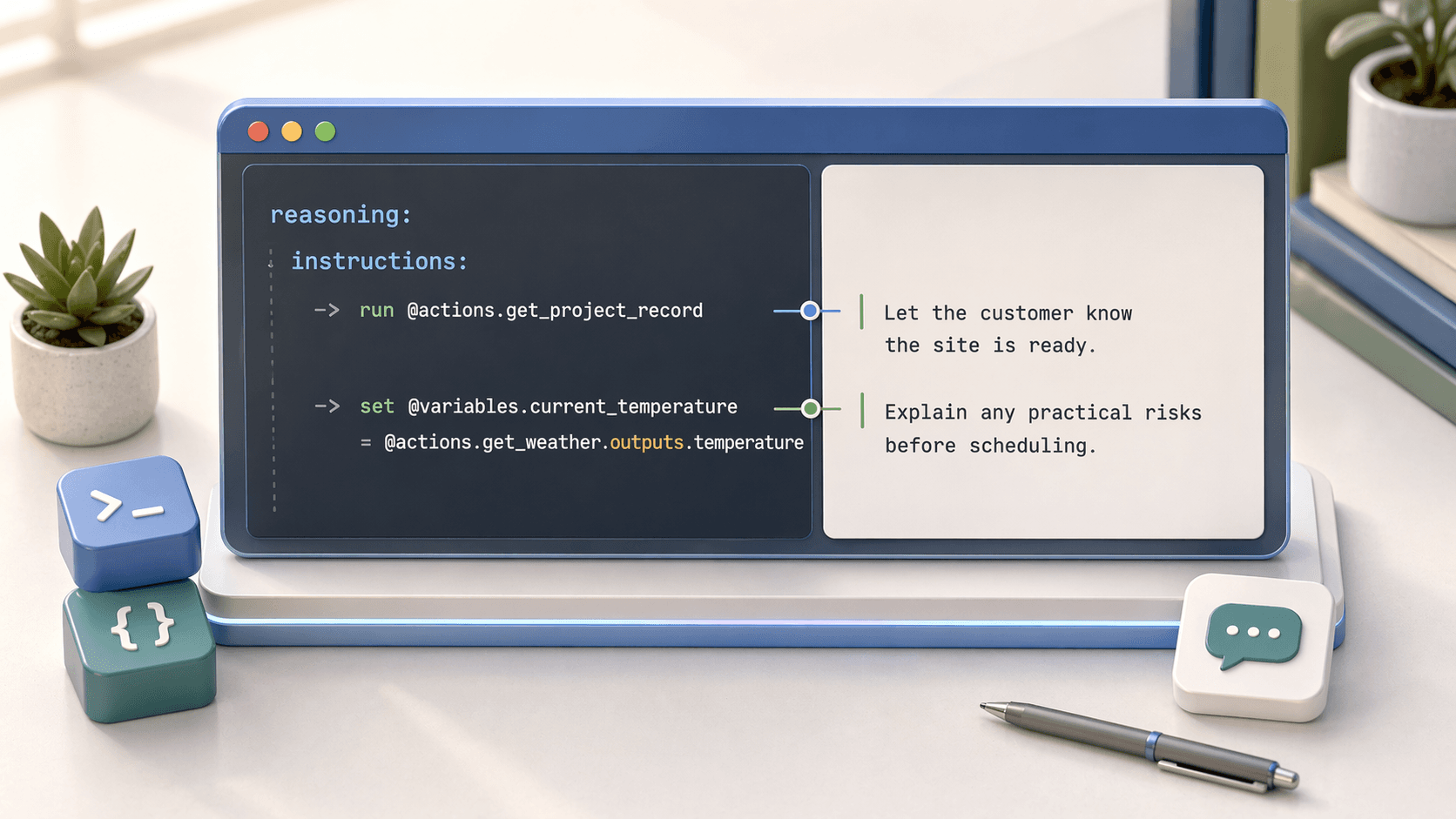
A Longer Example Mixing Logic and Prompting
This is usually the point where Agent Script starts to feel real. The deterministic lines do setup, and the prompt lines tell the LLM how to handle the conversation once the state is ready.
subagent visit_readiness:
  description: "Checks whether a site is ready for an on-site implementation visit"

  actions:
    get_project_record:
      target: flow://Get_Project_Record
      inputs:
        project_id:
          type: id
          required: True
      outputs:
        site_ready:
          type: boolean
        permit_status:
          type: string
        city:
          type: string

    get_weather:
      target: flow://Get_Current_Weather_Data
      inputs:
        city:
          type: string
          required: True
      outputs:
        temperature:
          type: number

  reasoning:
    instructions:
      -> run @actions.get_project_record

      if @actions.get_project_record.outputs.city is not None:
        -> run @actions.get_weather
        -> set @variables.current_temperature = @actions.get_weather.outputs.temperature

      if @actions.get_project_record.outputs.site_ready == False:
        | Let the customer know the site is not yet ready for a visit.
        | Explain what still needs to be completed before scheduling can continue.
      else:
        |
        The site is currently marked ready.
        The permit status is {!@actions.get_project_record.outputs.permit_status}.
        The current temperature is {!@variables.current_temperature}.
        Confirm whether the customer still wants to proceed with scheduling and call out any practical risks.
Related Pages
- Conditional Expressions -
if/elselogic - Variables - Working with variables
- Actions - Defining and calling actions
- Tools (Reasoning Actions) - Exposing actions to the LLM