
Understanding Lightning Web Components
A high-level overview of Lightning Web Components (LWCs) and their role in Salesforce development
What are Lightning Web Components?
Lightning Web Components (LWCs) are Salesforce's modern framework for building user interfaces. Built on web standards, LWCs provide a component-based architecture that enables developers to create reusable, performant, and maintainable UI components for Salesforce applications.
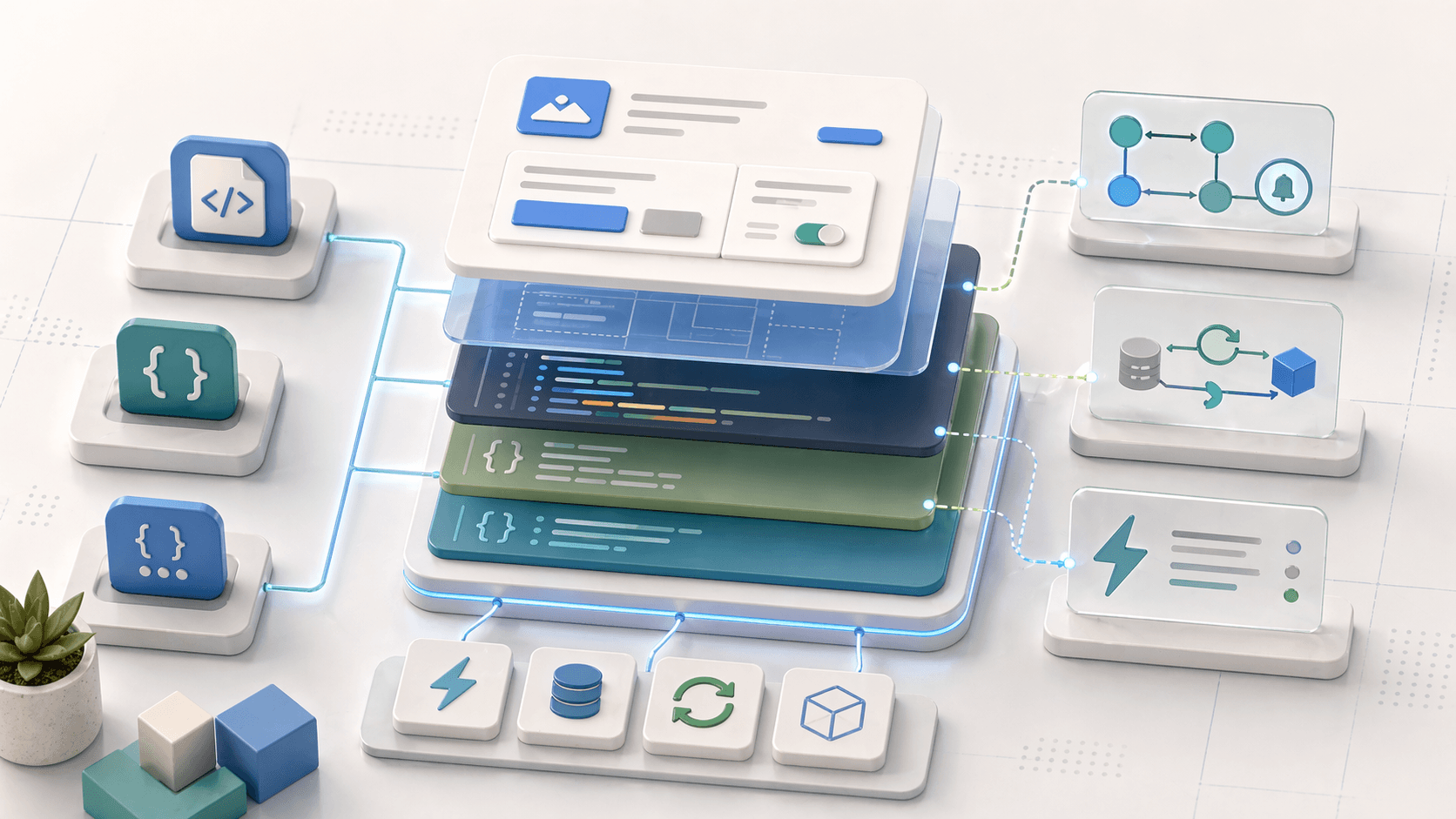
LWCs are built on standard web technologies: HTML, CSS, and JavaScript (ES6+). This makes them familiar to web developers while providing Salesforce-specific capabilities.
Core Concepts
Component-Based
Build reusable UI pieces that can be composed together
Web Standards
Uses standard HTML, CSS, and JavaScript - no proprietary frameworks
Reactive
Automatically updates UI when data changes
Lightweight
Fast performance with minimal overhead
Secure
Built-in security with Lightning Locker Service
Mobile-Ready
Responsive design that works across devices
LWC File Structure
Every Lightning Web Component consists of three core files:
1. JavaScript Controller (.js)
The JavaScript file contains the component's logic, properties, and lifecycle hooks:
import { LightningElement, api } from 'lwc';

export default class MyComponent extends LightningElement {
    @api recordId;  // Public property

    privateProperty = 'Hello';

    connectedCallback() {
        // Lifecycle hook - runs when component is inserted
    }

    handleClick() {
        // Event handler method
    }
}
Key Concepts:
@api: Makes properties public and accessible from parent components- Lifecycle Hooks:
connectedCallback(),renderedCallback(),disconnectedCallback() - Event Handling: Methods that respond to user interactions
2. HTML Template (.html)
The HTML file defines the component's structure using Lightning's template syntax:
<template>
    <lightning-card title="My Component">
        <div class="slds-p-around_medium">
            <p>Hello, {privateProperty}</p>
            <lightning-button
                label="Click Me"
                onclick={handleClick}>
            </lightning-button>
        </div>
    </lightning-card>
</template>
Key Features:
- Data Binding: Use
{propertyName}to display data - Event Binding: Use
onclick={handlerMethod}for interactions - Conditional Rendering:
if:true={condition}andif:false={condition} - Iteration:
for:each={array}for lists
3. CSS Stylesheet (.css)
The CSS file styles the component (scoped to the component):
.slds-p-around_medium {
    padding: 1rem;
}

.custom-class {
    background-color: #f3f2f2;
}
LWCs use scoped CSS by default - styles don't leak to other components. Use Salesforce Lightning Design System (SLDS) classes for consistent styling.
Component Lifecycle
Understanding the component lifecycle helps you know when to perform certain operations:
Component instance is created. Use for initial property setup.
Component is inserted into the DOM. Perfect for:
- Loading data from Apex
- Setting up event listeners
- Initializing component state
Component has finished rendering. Use sparingly - runs after every render.
Component is removed from DOM. Clean up:
- Remove event listeners
- Cancel pending operations
- Clear timers
Communication Patterns
Parent to Child: Public Properties
Parent components pass data to child components using @api properties:
// Child Component
export default class ChildComponent extends LightningElement {
    @api message;  // Receives data from parent
}
<!-- Parent Template -->
<c-child-component message="Hello from parent"></c-child-component>Child to Parent: Events
Child components communicate back to parents using custom events:
// Child Component
handleClick() {
    this.dispatchEvent(new CustomEvent('notify', {
        detail: { message: 'Button clicked' }
    }));
}
<!-- Parent Template -->
<c-child-component onnotify={handleNotification}></c-child-component>Sibling Communication: Lightning Message Service
Components that aren't parent-child can communicate via Lightning Message Service:
import { publish, MessageContext } from 'lightning/messageService';
import CHANNEL from '@salesforce/messageChannel/MyChannel__c';

export default class Publisher extends LightningElement {
    @wire(MessageContext) messageContext;

    publishMessage() {
        const payload = { data: 'Hello' };
        publish(this.messageContext, CHANNEL, payload);
    }
}
Working with Salesforce Data
Apex Methods
Call Apex methods using @wire or imperative calls:
import getAccountData from '@salesforce/apex/AccountController.getAccountData';

// Reactive wire (auto-updates)
@wire(getAccountData, { accountId: '$recordId' })
wiredAccount({ error, data }) {
    if (data) {
        this.account = data;
    } else if (error) {
        this.error = error;
    }
}

// Imperative call (manual)
handleLoad() {
    getAccountData({ accountId: this.recordId })
        .then(result => {
            this.account = result;
        })
        .catch(error => {
            this.error = error;
        });
}
Lightning Data Service
Access record data without Apex:
import { getRecord } from 'lightning/uiRecordApi';

@wire(getRecord, {
    recordId: '$recordId',
    fields: ['Account.Name', 'Account.Phone']
})
account;
Common Patterns
Form Input Handling
export default class FormComponent extends LightningElement {
    formData = {};

    handleInputChange(event) {
        const field = event.target.dataset.field;
        const value = event.target.value;
        this.formData[field] = value;
    }
}<template>
<lightning-input
label="Name"
value={formData.name}
data-field="name"
onchange={handleInputChange}>
</lightning-input>
</template>Conditional Rendering
<template>
    <template if:true={isLoading}>
        <lightning-spinner></lightning-spinner>
    </template>

    <template if:false={isLoading}>
        <div>Content loaded!</div>
    </template>
</template>
List Iteration
<template>
    <template for:each={items} for:item="item">
        <div key={item.id}>
            {item.name}
        </div>
    </template>
</template>
Best Practices
When to Use LWCs
LWCs are ideal for:
- Custom UI Components: Building reusable interface elements
- Record Pages: Adding custom functionality to record detail pages
- App Pages: Creating custom application experiences
- Lightning Pages: Building flexible page layouts
- Lightning Types: Custom input/output components for Agentforce
- Standalone Apps: Full-featured applications within Salesforce