
All About Blocks
Structural components of an Agent Script that contain properties describing data or procedures
Blocks
Blocks are the structural components of an Agent Script. Each block contains a set of properties that describe data or procedures. Understanding blocks is foundational to writing Agent Script.
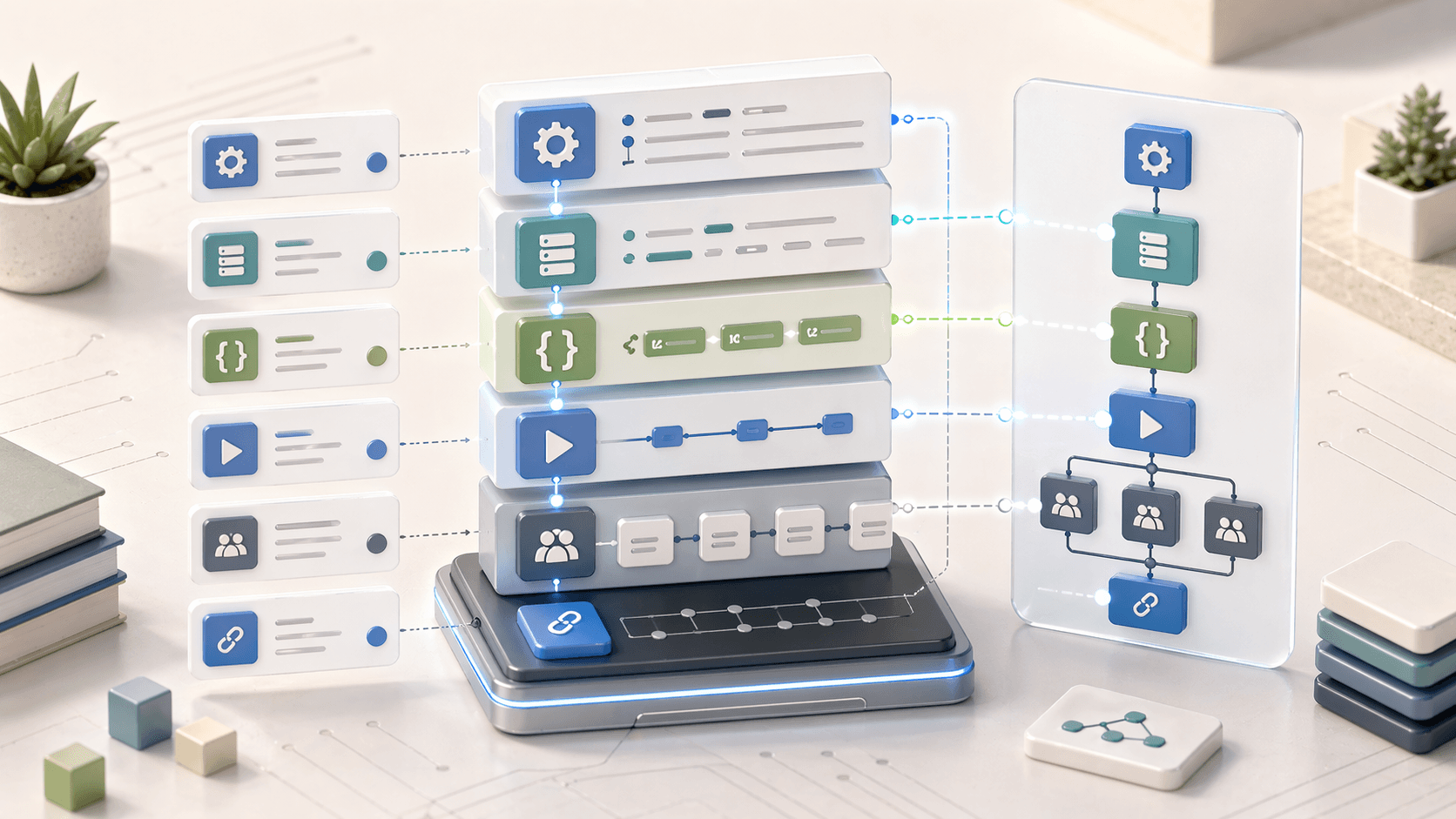
Block Types Overview
| Block | Purpose |
|---|---|
config | Basic agent configuration (label, developer name, default user) |
system | System messages (welcome, error) |
variables | Global variables accessible across all subagents |
language | Supported languages |
connection | External connection configuration (e.g., Enhanced Chat) |
start_agent | Entry-point subagent — runs on every user message |
subagent | Individual capabilities the agent can perform (legacy name: topic) |
connected_subagent | Reference to an externally deployed agent, called like a local subagent |
topic → subagent
Current Agent Script uses subagent. The legacy topic keyword still parses as an alias so older scripts keep working, but all new blocks should be declared as subagent.
Config Block
Contains basic configuration information for the agent.
config:
  label: "Customer Service Agent"
  developer_name: "Customer_Service_Agent"
  default_agent_user: "005xx000001Svqw"
System Block
Contains messages the agent uses during specific scenarios. The welcome and error messages are required.
system:
  welcome: "Hello! I'm here to help you with your questions today."
  error: "I apologize, but I encountered an issue. Let me try again or connect you with a human agent."
  fallback: "I'm not sure I understand. Could you rephrase that?"
Required Messages
The welcome and error messages are required in every Agent Script.
Variables Block
Defines global variables accessible throughout the script. All subagents can read and write to these variables.
variables:
  customer_name: mutable string = ""
  order_id: mutable string = ""
  is_verified: mutable boolean = False
  attempt_count: mutable number = 0
Reference variables using: @variables.variable_name
➡️ See Variables for complete details.
Language Block
Defines which languages the agent supports.
language:
  supported:
    - en_US
    - es_MX
    - fr_FR
  default: en_US
Connection Block
Describes how the agent interacts with external connections like Enhanced Chat or Omni-Channel.
connection messaging:
  outbound_route_type: "queue"
  outbound_route_name: "Customer_Support_Queue"
The connection block is required when using @utils.escalate to hand off to human agents.
Start Agent Block
The entry-point subagent. It uses the start_agent prefix instead of subagent. Every customer utterance begins execution at this block.
start_agent agent_router:
  description: "Entry point that classifies user intent and routes to the right subagent"
  reasoning:
    instructions: |
      Welcome the customer and determine their intent.
      Route to the appropriate subagent based on what they need help with.
    actions:
      go_to_orders: @utils.transition to @subagent.order_management
        description: "Route to order management for order-related requests"
      go_to_account: @utils.transition to @subagent.account_management
        description: "Route to account management for account-related requests"
Start Agent Execution
The start_agent block runs on every customer message. It's typically used for:
- Initial greetings
- Intent classification
- Routing to the right subagent
Subagent Block
Defines a specific job or capability the agent can perform. Subagents contain a description, actions, and reasoning instructions.
subagent order_tracking:
  description: "Helps customers track their orders and get delivery updates"

  actions:
    get_order_status:
      description: "Retrieves current order status"
      inputs:
        order_id:
          type: string
          required: True
      target: flow://Get_Order_Status_Flow
      outputs:
        status:
          type: string
        estimated_delivery:
          type: date

  reasoning:
    instructions: |
      Help the customer track their order.
      Ask for the order ID if not provided.
      Once you have the order ID, retrieve the status.
    actions:
      - get_order_tool:
          description: "Get order status when customer provides order ID"
          @actions.get_order_status
          with:
            order_id: ...
          set:
            @variables.order_status: status
Subagent Block Properties
| Property | Description |
|---|---|
subagent name | Identifier using snake_case |
description | Helps agent determine when to use this subagent |
actions | Defines available agent actions |
reasoning | Contains instructions and tools for the LLM |
reasoning.instructions | Logic + prompts for the reasoning engine |
reasoning.actions | Tools the LLM can choose to use |
before_reasoning | Optional block that runs before reasoning |
after_reasoning | Optional block that runs after reasoning |
➡️ See Subagents & Start Agent for more details.
Connected Subagent Block
Calls an externally deployed agent as if it were a local subagent. Useful when ownership is split across teams or when you want to reuse a published agent.
connected_subagent billing_agent:
  description: "Externally deployed billing agent"
  target: "agentforce://Billing_Agent"
  inputs:
    customer_id: @variables.customer_id
  loading_text: "Connecting to billing specialist…"
Reference it from other blocks the same way you reference a local subagent:
actions:
  handoff_billing: @utils.transition to @subagent.billing_agent
    description: "Hand off to the billing specialist agent"
One Script Showing Most Block Types Together
When these pages are read individually, it's easy to lose the overall shape. This example shows how the blocks fit together in one realistic file.
config:
  label: "Project Intake Agent"
  developer_name: "Project_Intake_Agent"
  default_agent_user: "005xx000001Svqw"

system:
  welcome: "Welcome! I can help capture project intake details and route you to the right specialist."
  error: "Something went wrong while processing your request."
  fallback: "I didn't quite catch that. Can you say it another way?"

variables:
  account_id: mutable id = ""
  project_type: mutable string = ""
  timeline_weeks: mutable number = 0
  intake_complete: mutable boolean = False

language:
  supported:
    - en_US
    - fr_FR
  default: en_US

connection messaging:
  outbound_route_type: "queue"
  outbound_route_name: "Implementation_Intake"

start_agent intake_router:
  description: "Greets the customer and routes project intake requests"
  reasoning:
    instructions: |
      Welcome the customer and determine whether they need implementation intake, timeline guidance, or billing support.
    actions:
      route_intake: @utils.transition to @subagent.collect_intake
        description: "Collect project scope and timing details"
      route_billing: @utils.transition to @subagent.billing_specialist
        description: "Handle billing or quote questions"

subagent collect_intake:
  description: "Captures account, scope, and delivery expectations for a new project"
  actions:
    create_intake_record:
      target: flow://Create_Project_Intake_Record
      inputs:
        account_id:
          type: id
          required: True
        project_type:
          type: string
          required: True
        timeline_weeks:
          type: number
          required: True
      outputs:
        intake_id:
          type: id
  reasoning:
    instructions:
      |
      Capture the project type and desired timeline.
      Once all required data is present, create the intake record and summarize what was submitted.

connected_subagent billing_specialist:
  description: "Externally deployed billing agent"
  target: "agentforce://Billing_Intake_Agent"
  inputs:
    account_id: @variables.account_id
  loading_text: "Connecting to billing specialist..."